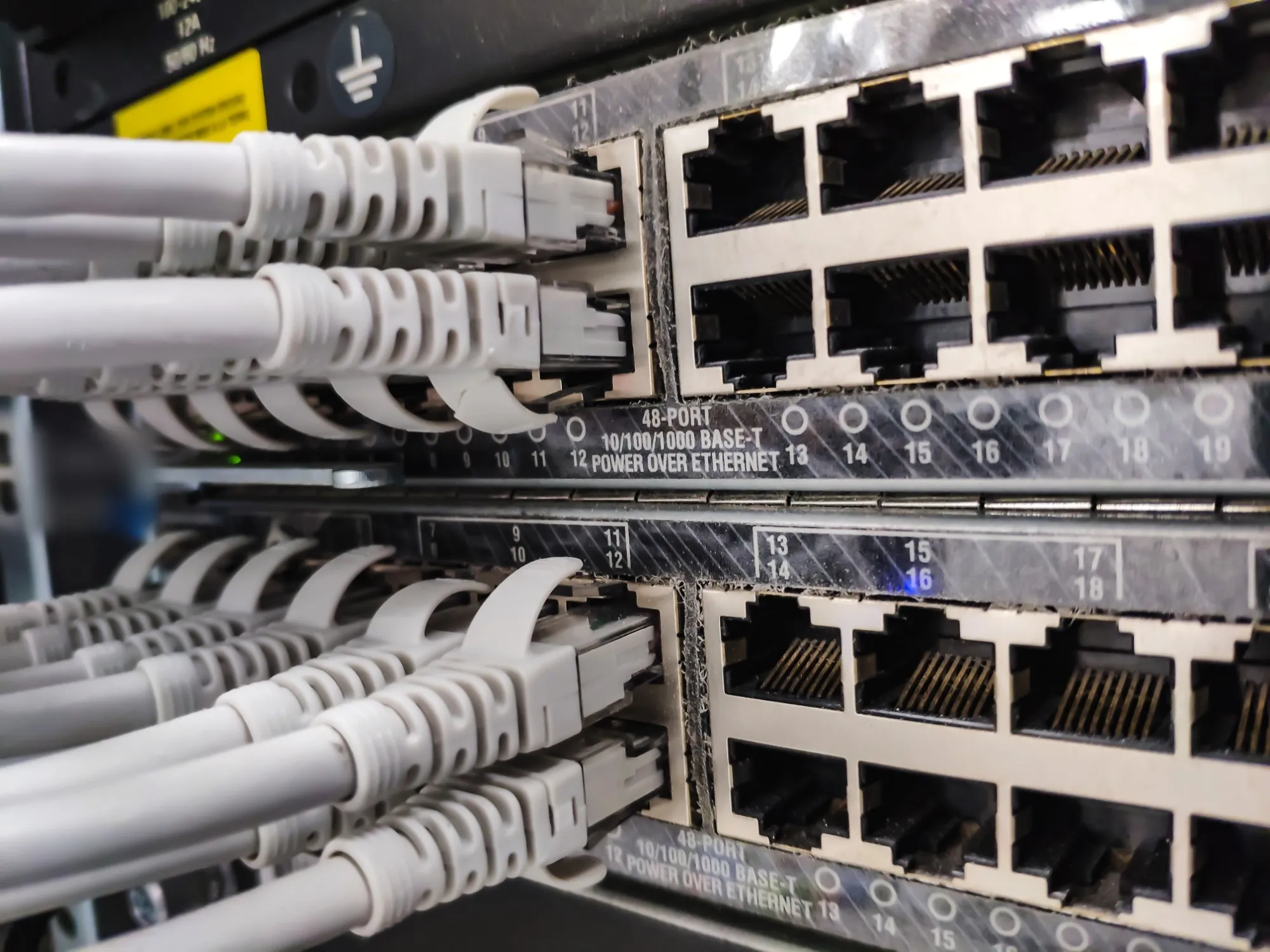
Nine systems, one standard.

Everything we install goes in with the same checks, and every device ends up on a handover record you can audit.

Jump to a system

CCTV

Cameras and recorders sized to the site.
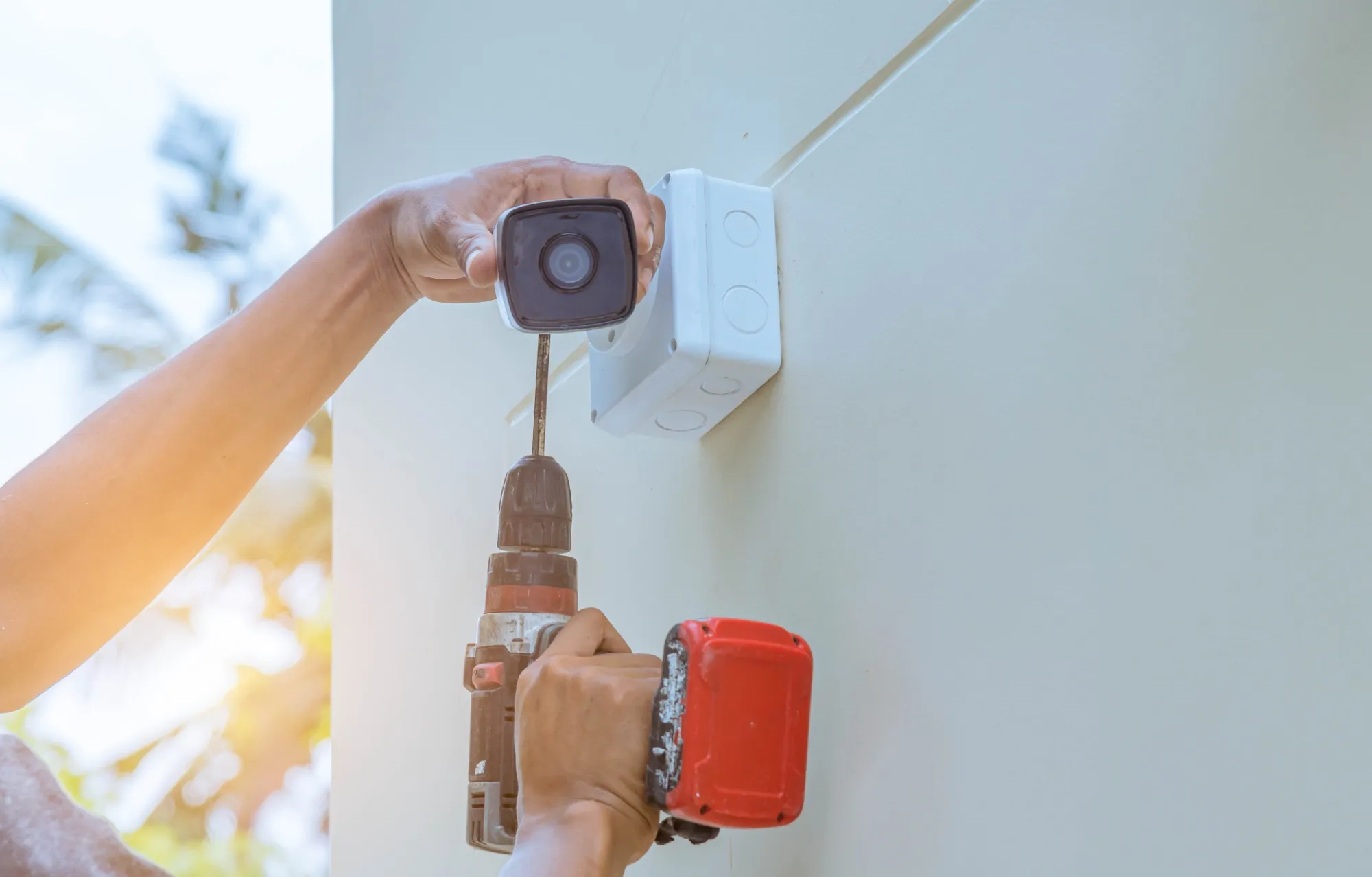
Hands fitting a bullet camera to an outside wall with a cordless drill
Fitting a camera to an outside wall

We plan where each camera goes and what it must see, then size the recorders and the storage to the time you need to keep footage.

How we secure it

  • Cameras and recorders on their own network
  • Every factory password removed and replaced
  • Firmware updated at install and recorded
  • Remote viewing only through an encrypted link
  • Footage kept for a period you set, then deleted
Handover recordSample
Camera 07 · Gate 2
Factory password
Removed
Done
Firmware
5.7.3
Current
Network
Camera network (VLAN 30)
Set
Remote view
VPN only
Set
Recording kept
30 days
Set
Credentials sealed for the facilities managerVCircuit
Access control

Card, PIN and fingerprint doors with a record of every entry.

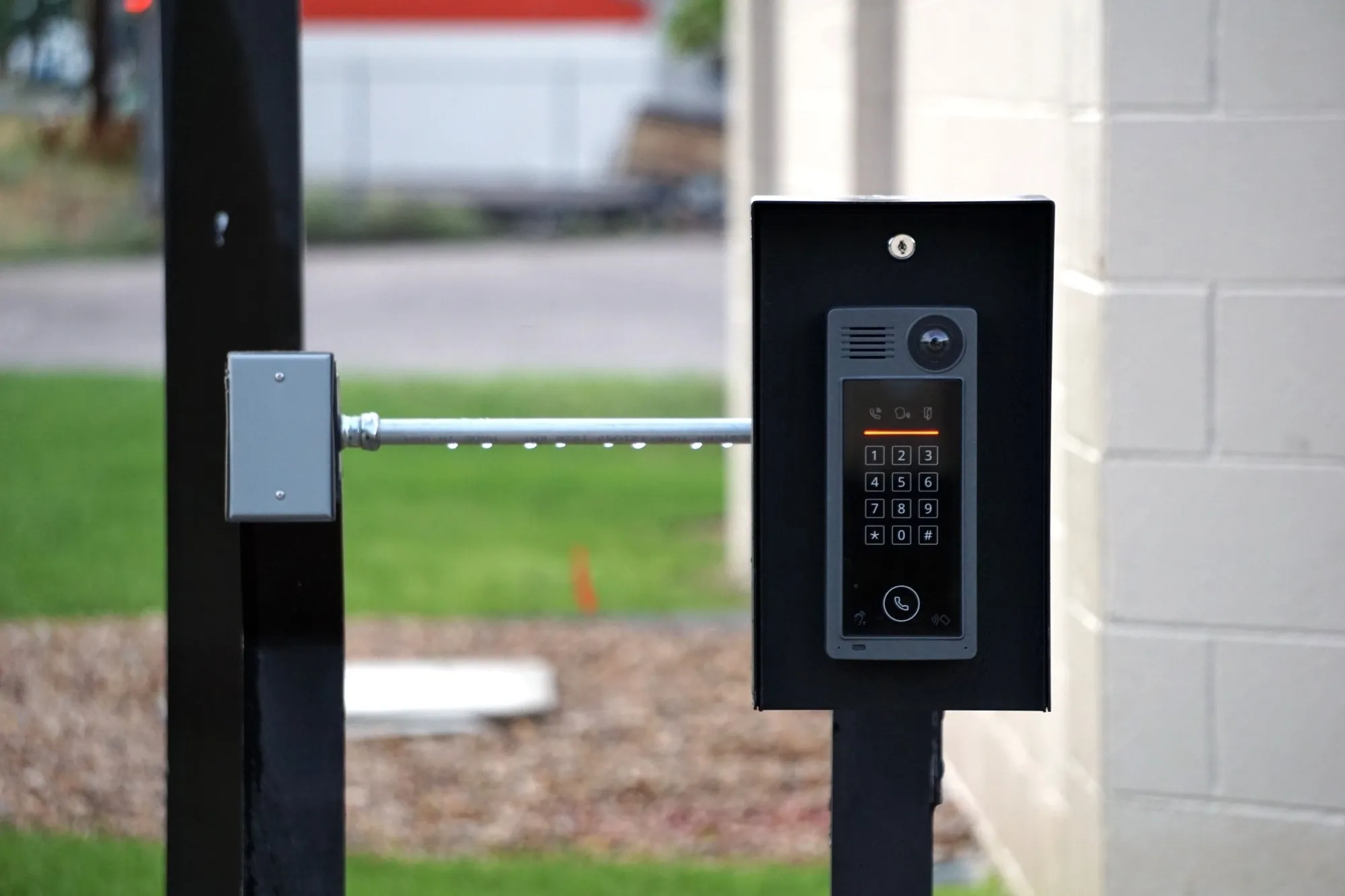
A keypad intercom with a camera on a post at a vehicle gate
A keypad and intercom at a gate

Doors that let the right people through at the right hours, and a log you can search when something goes missing.

How we secure it

  • Controllers kept off the office and guest networks
  • Admin accounts named, never shared
  • Every entry logged and kept
  • Backup power so doors behave as planned in an outage
  • Access by role, reviewed when people leave
Handover recordSample
Door controller · Server room
Admin accounts
Named, two people
Done
Network
Kept off the open network
Set
Entry log
Every entry recorded
On
Backup power
UPS, alarm on low battery
Set
Firmware
Updated at install
Current
Admin accounts named, two peopleVCircuit

Automated gates

Sliding and swing gate motors, opened by remote, keypad or phone.

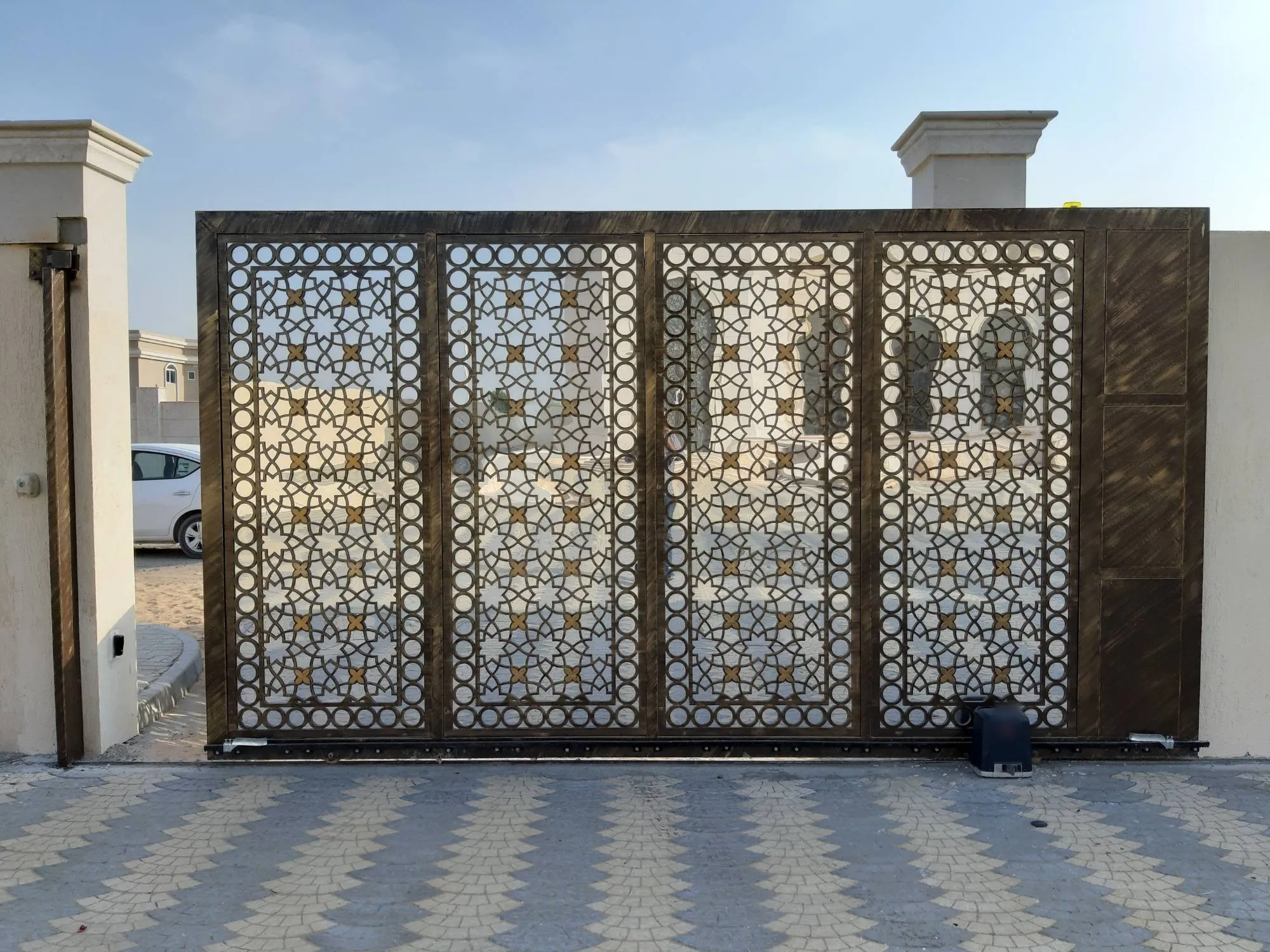
A metal sliding gate on a gear rack, with its motor at the base
A sliding gate and its motor

Gate motors fitted with gear rack, safety beams and backup power, so the gate opens for the right people and stays shut when the power goes.

How we secure it

  • Safety beams so the gate stops for a person or a car
  • Remotes registered to named people, lost ones removed
  • Keypad and app codes changed from the factory setting
  • Backup battery so the gate works in an outage
  • Manual release shown to your staff
Handover recordSample
Gate motor · Main entrance
Remotes
Named, 6 of 6
Set
Lost remotes
Removed
Done
Safety beams
Tested
Passed
Backup battery
Alarm on low charge
Set
Remote list handed to securityVCircuit

Electric fencing

Energised perimeter fences that raise the alarm when cut or shorted.

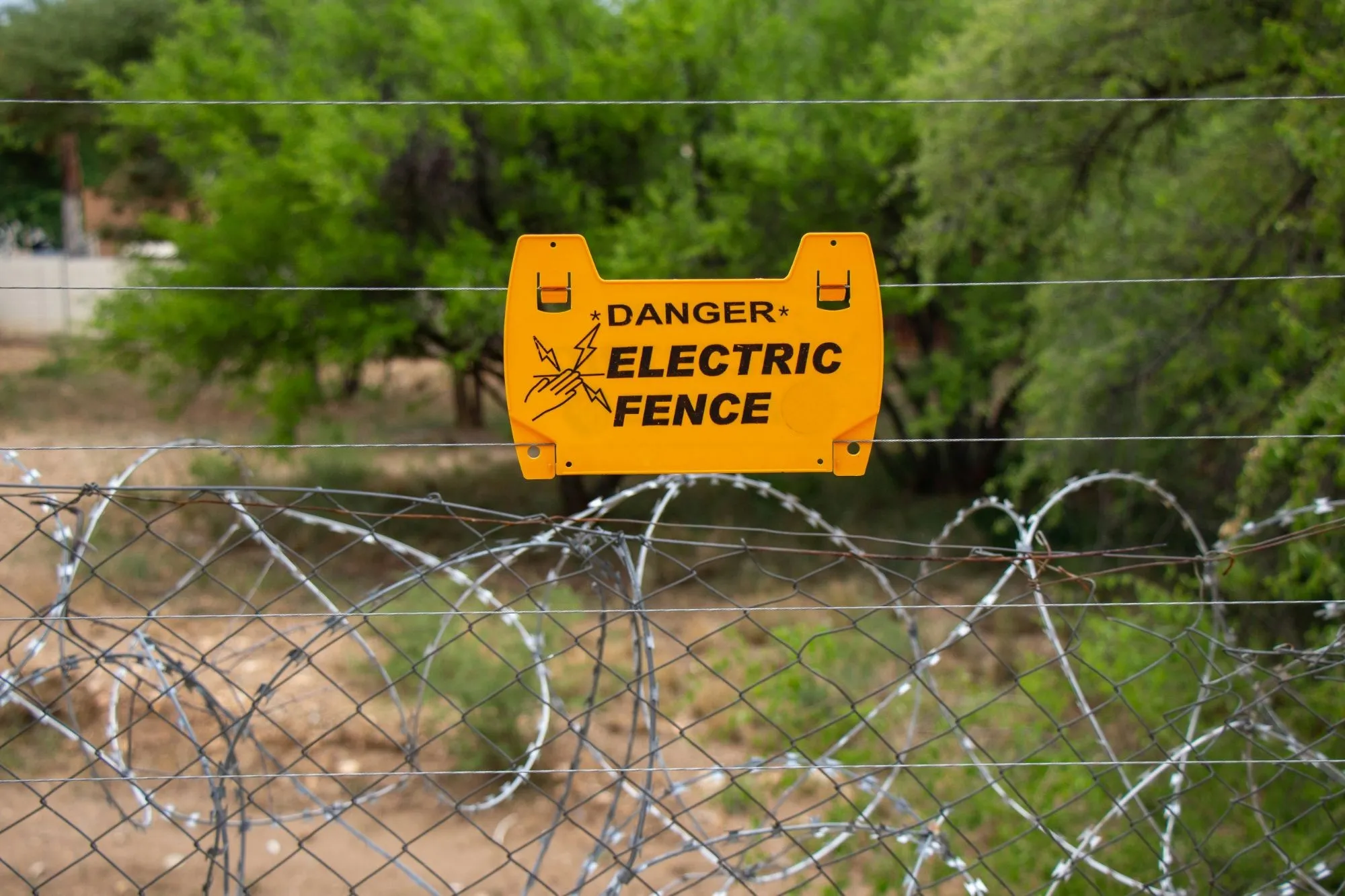
An electric fence warning sign on fence wires above razor wire
An electric fence above razor wire

A perimeter fence on your wall or boundary, with warning signs, proper earthing and an energiser that alerts you when the fence is touched, cut or shorted.

How we secure it

  • Warning signs along the fence line
  • Earthing tested at install
  • Alarm on a cut, a short or a power loss
  • Keypad and app codes changed from the factory setting
  • Backup battery so the fence stays live in an outage
Handover recordSample
Fence energiser · Perimeter
Keypad code
Changed from factory
Done
Alarm on cut or short
Two named people
On
Earthing
Tested at install
Passed
Backup battery
Recheck in six months
Due
Alarms go to the guard houseVCircuit

Structured cabling

Racks, patch panels and cable runs anyone can follow.

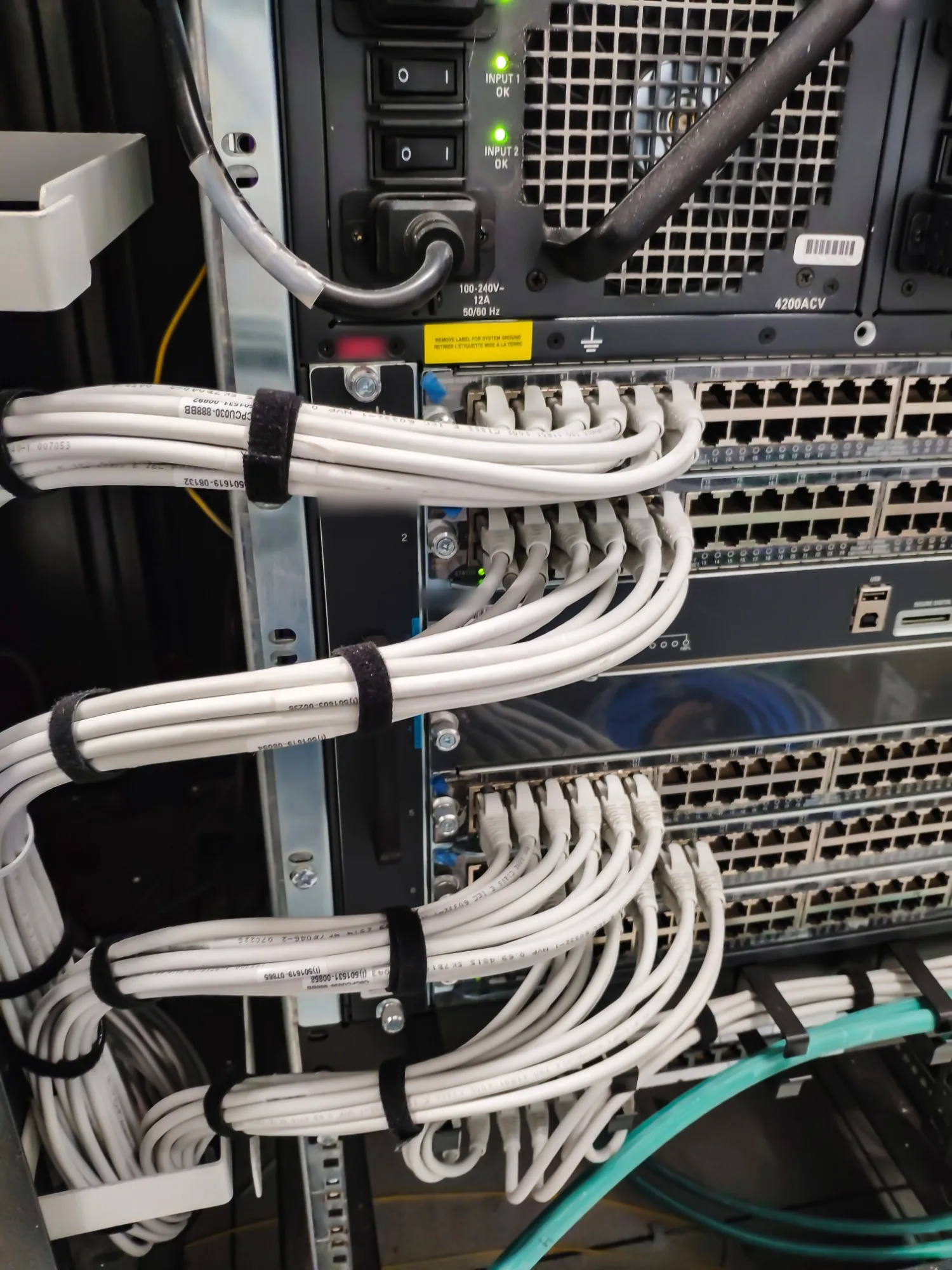
Patch leads bundled with straps in a switch rack
Patch leads dressed and strapped

Cabling and switching that cope with a full building, laid out so the next engineer can trace any cable without guesswork.

How we secure it

  • Every cable and port labelled
  • A port map handed over with the drawings
  • Unused ports switched off
  • Separate networks for cameras, doors, staff and guests
  • Switch management on its own network
Handover recordSample
Switch 2 · Rack A
Ports labelled
48 of 48
Done
Unused ports
Switched off
Done
Management
Separate network, named admin
Set
Configuration
Saved at handover
Done
Firmware
Updated at install
Current
Port map handed over with the drawingsVCircuit

Solar and power

Inverters, batteries and UPS that keep systems running when the grid drops.

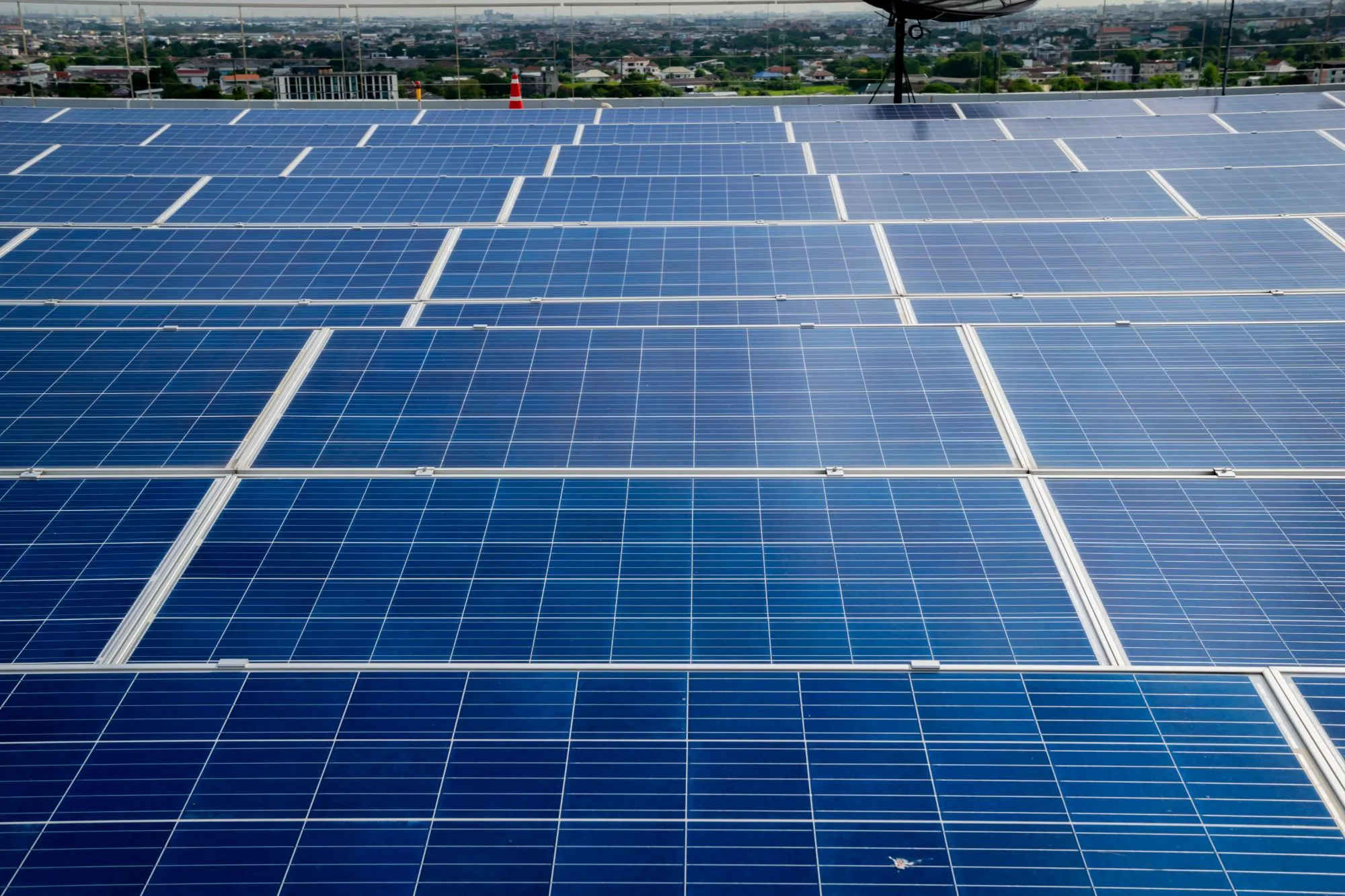
Rows of solar panels on a flat commercial roof above a city
Solar panels on a commercial roof

Power sized to what must keep running: recorders, doors, the network and the rack, with automatic switchover.

How we secure it

  • Monitoring portals behind two-step sign-in
  • Default passwords removed
  • Alerts sent to a named person
  • Runtime tested at handover
  • Firmware updated at install
Handover recordSample
Inverter · Rooftop array
Monitoring portal
Two-step sign-in
Set
Default password
Removed
Done
Alerts
To a named person
On
Battery health
Recheck in six months
Due
Firmware
Updated at install
Current
Alerts go to the facilities managerVCircuit

GPS tracking

Live location, trips and fuel for every vehicle.

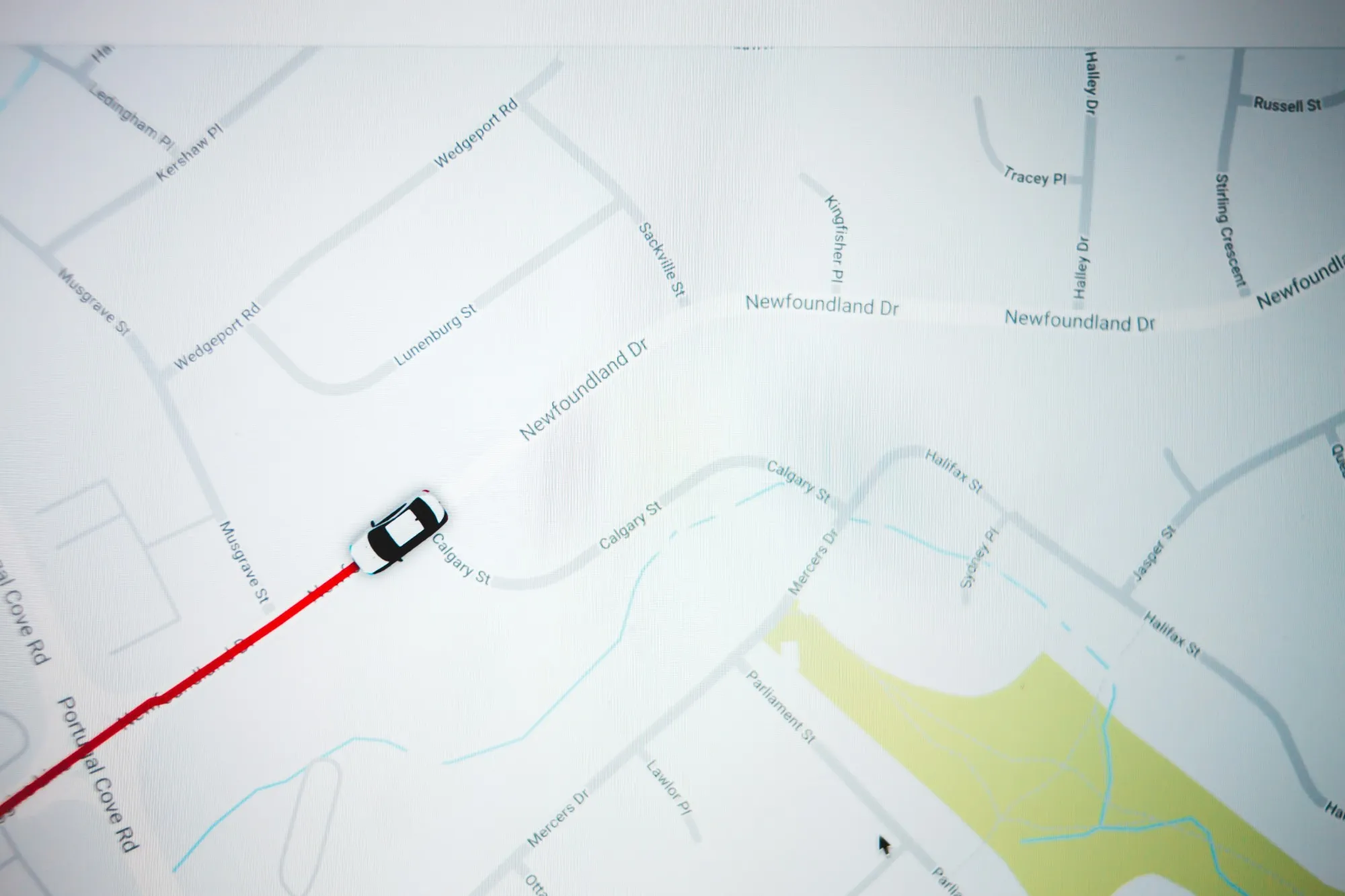
A vehicle's live position and route on a street map
A vehicle's live route on a map

Every vehicle on one map, with trip history, speed and geofence alerts, and fuel levels where the vehicle allows.

How we secure it

  • Accounts behind two-step sign-in
  • Access by role, so drivers see only their own trips
  • Speed and geofence alerts
  • Trip history kept for a period you set
  • Default device passwords removed
Handover recordSample
Tracker · Truck 14
Accounts
Two-step sign-in
Set
Access
By role
Set
Alerts
Speed and geofence
On
Trip history
Kept 12 months
Set
Default password
Removed
Done
Fleet manager holds the admin accountVCircuit

VoIP

Phone systems that run on your own network.

Desk phones and extensions on your network, with call routing your reception can manage.

How we secure it

  • No phone-system ports left open to the internet
  • A strong password on every extension
  • Alerts on unusual call patterns
  • Phones on their own network
  • Admin access named and logged
Handover recordSample
Phone system · Head office
Ports open to the internet
None
Closed
Extension passwords
Unique, 36 of 36
Set
Unusual call alerts
To the office manager
On
Phones
Own network
Set
Admin access named and loggedVCircuit

Managed IT

We keep it running after handover.

A bank of screens showing camera feeds in a dark room
Screens showing camera feeds

If you want us to stay on, we keep the systems we installed patched, backed up and reviewed.

How we secure it

  • Patches and firmware updates on a schedule
  • Backups tested by restoring them
  • Access reviewed and leavers removed
  • A short report after each round
  • One team to call for every system
Handover recordSample
Managed IT · This month
Patches, all sites
Installed
Done
Backup restore test
Restored and checked
Passed
Access review
Two leavers to remove
Due Friday
Firmware
Cameras and switches
Current
Short report sent after each roundVCircuit

Pick a device, see how we leave it.

Every device we fit goes on a handover record like this one, so you can check our work and your own team can run it.

Handover recordSample
Camera 07 · Gate 2
Factory password
Removed
Done
Firmware
5.7.3
Current
Network
Camera network (VLAN 30)
Set
Remote view
VPN only
Set
Recording kept
30 days
Set
Credentials sealed for the facilities managerVCircuit
Book a site visit.

We walk the site, then send a written design and quote.

Phone and WhatsApp
+256 779 314 565
Email
info@vcircuitsystems.com
Office
Kampala, Uganda